Guide · Agent Skill
Feature measurement plan template for product teams
Product managers can now use AI to plan and ship data capture for a feature. Start with a business question in your epic. In aictrl Chat, attach the measurement-plan skill and ask it for a plan. It can use your connected codebase to find the data you already capture and describe what engineering needs to add.
Explicit tracking often came last. Customer-facing features had release dates and compliance work had deadlines. Tracking could slip a sprint because the feature could still ship. By the time a PM asked whether the release helped, the available data might stop at button clicks.
Use a workspace with Codebase Chat enabled. The measurement-plan skill is built in. If your workspace has its own skill with that name, Chat shows the workspace version.
You can also install the free skill in Claude Code and run /measurement-plan on the same epic.
npx skills add aictrl-dev/skills --skill measurement-plan -a claude-code
Add measurement to an existing epic
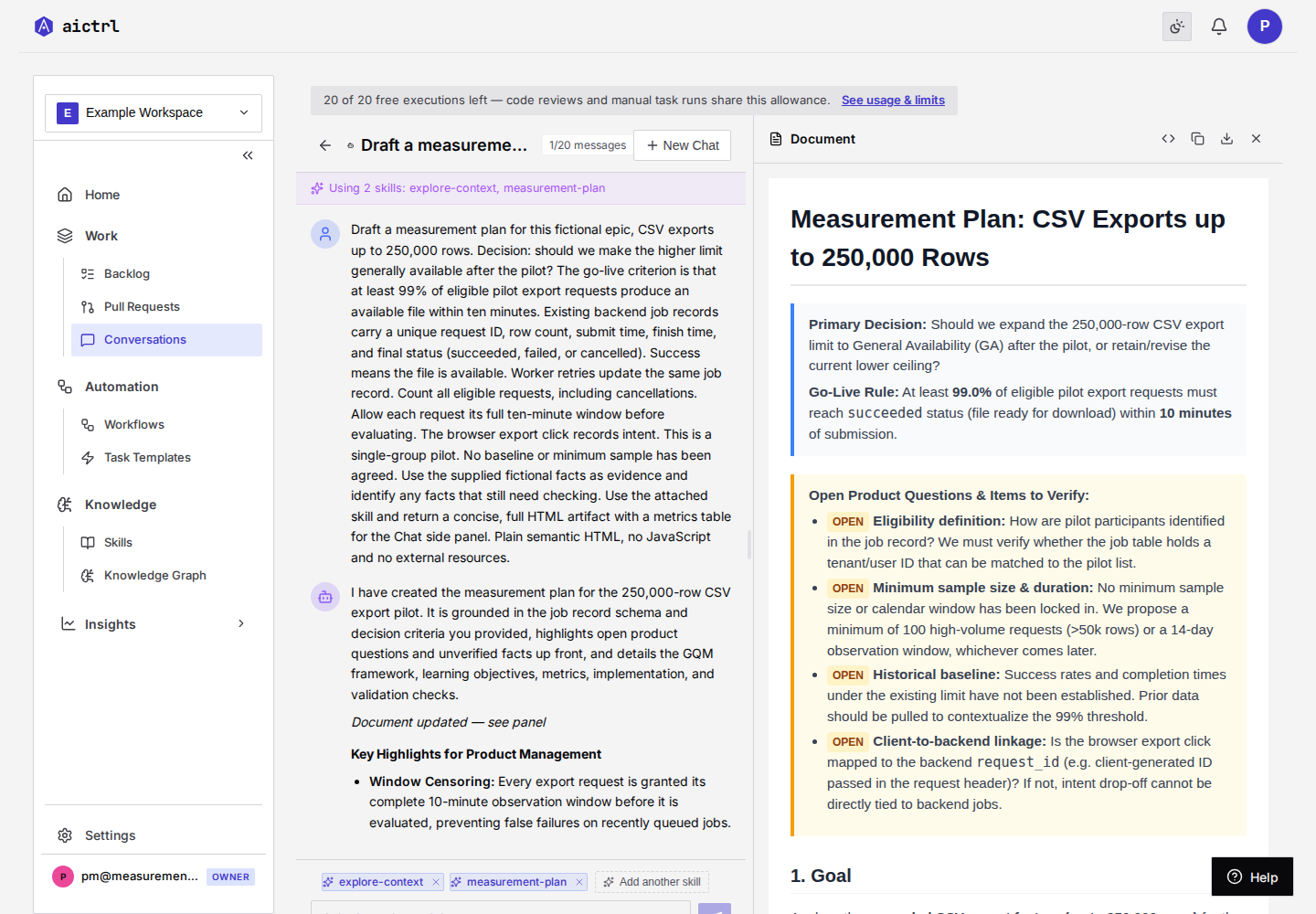
Start a new chat. Under Create with a skill, choose View all, search for measurement-plan, and select it. Paste the epic or link a spec Chat can reach through a connected repository. Include the decision your team needs to make. Chat checks the sources it can access and flags gaps for the engineer to verify.
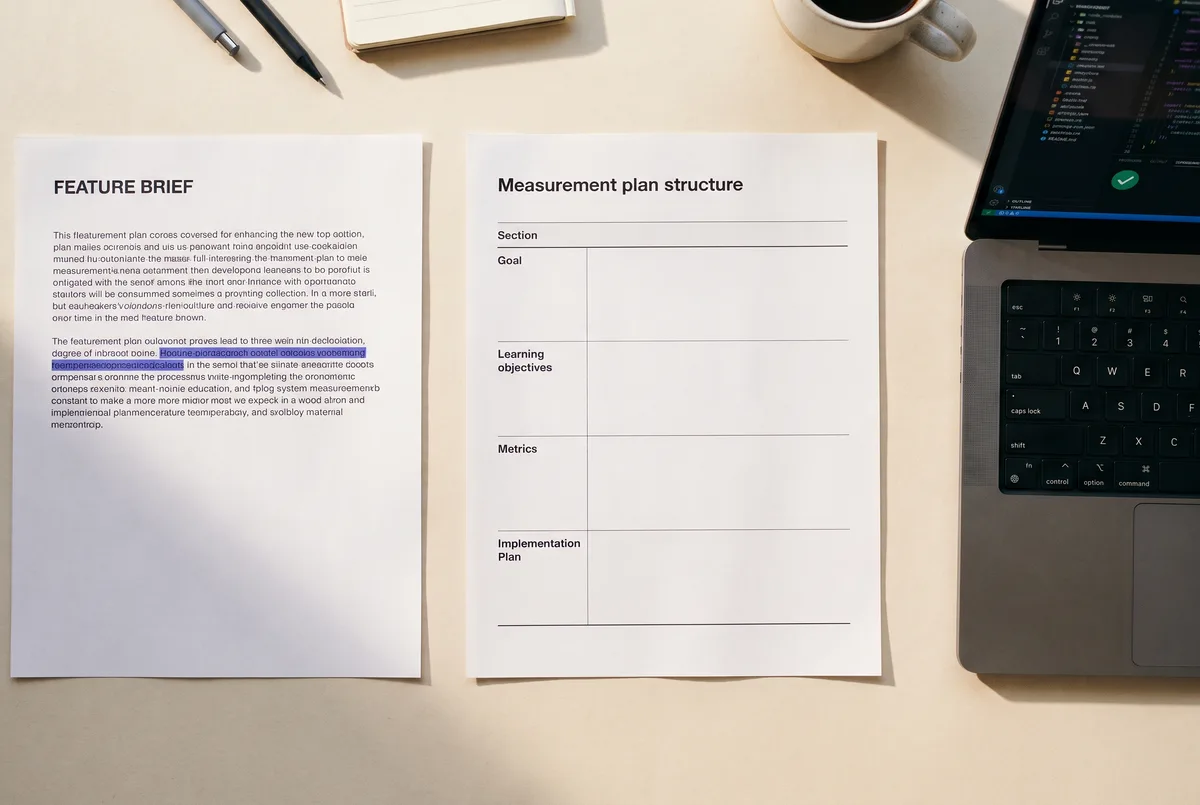
| Section | What the agent writes |
|---|---|
| Goal | The decision the team needs to make, the feature in scope, and whose outcome matters. |
| Learning objectives | Questions the team needs to answer, including what could get worse and any open success criteria. |
| Metrics | Who or what counts, how to calculate each metric, the measurement window, and which source records the outcome. |
| Implementation | Which existing records, events, or queries to reuse and the smallest changes needed to fill any gaps. |
| Validation | Checks to run before release, how to verify live data, and when there will be enough evidence to make the decision. |
For bulk ticket editing, you might want to know whether it saves operators time without increasing accidental edits. For larger exports, you might need to know whether jobs finish within the time customers expect.
Use this epic to draft a measurement plan.
[Paste the epic or link to a spec in a connected repository.]
We need to decide [the decision your team will make].
Show the full plan as an HTML artifact with a metrics table.
The plan opens beside the conversation. Review it with your team, then use Download to save a copy for the epic. You can ask Chat to revise the plan before handing it to engineering.
Ship the measurement with the feature
Give the approved plan to the coding agent working on the epic. It can build a query from existing records, add an event, or change the schema where the plan calls for it. Have the agent run the pre-release checks and review the resulting pull request alongside the feature.
Put measurement in your next epic
Pick a decision from an epic already in your backlog. Attach measurement-plan in aictrl Chat, review the plan with your team, and hand it to your coding agent.
The skill follows the Goal–Question–Metric method. Original chapter by Basili, Caldiera and Rombach (PDF).